Script – 3ds max camera exporter for aftereffects
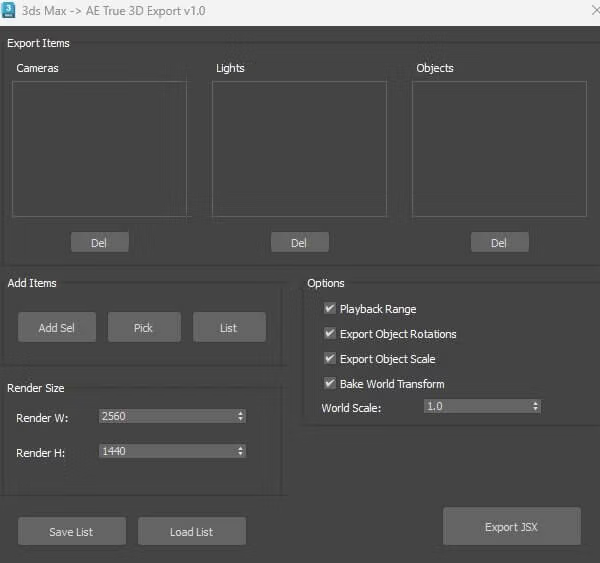
Here is a 3dsmax camera, null and light exporter for aftereffects. Select the camera, nulls and lights you want to be exported to aftereffects and then click add selected. The items will populate the appropriate columns. You can choose either playback range – which will export the entire playback range or just a single frame for the selected items.
You should have 3 files in the zip.
AETrue3DExporter.mcr
Stevesideas_AE_Exporter.mse
Stevesideas_AE_Exporter_Installer.ms
Drag Stevesideas_AE_Exporter_Installer.ms onto your 3dsmax viewport and follow instructions to add to menu.
This is v1.0 so it may be buggy but as far as I can tell it works without issues. Please do let me know if you have any problems.